 By
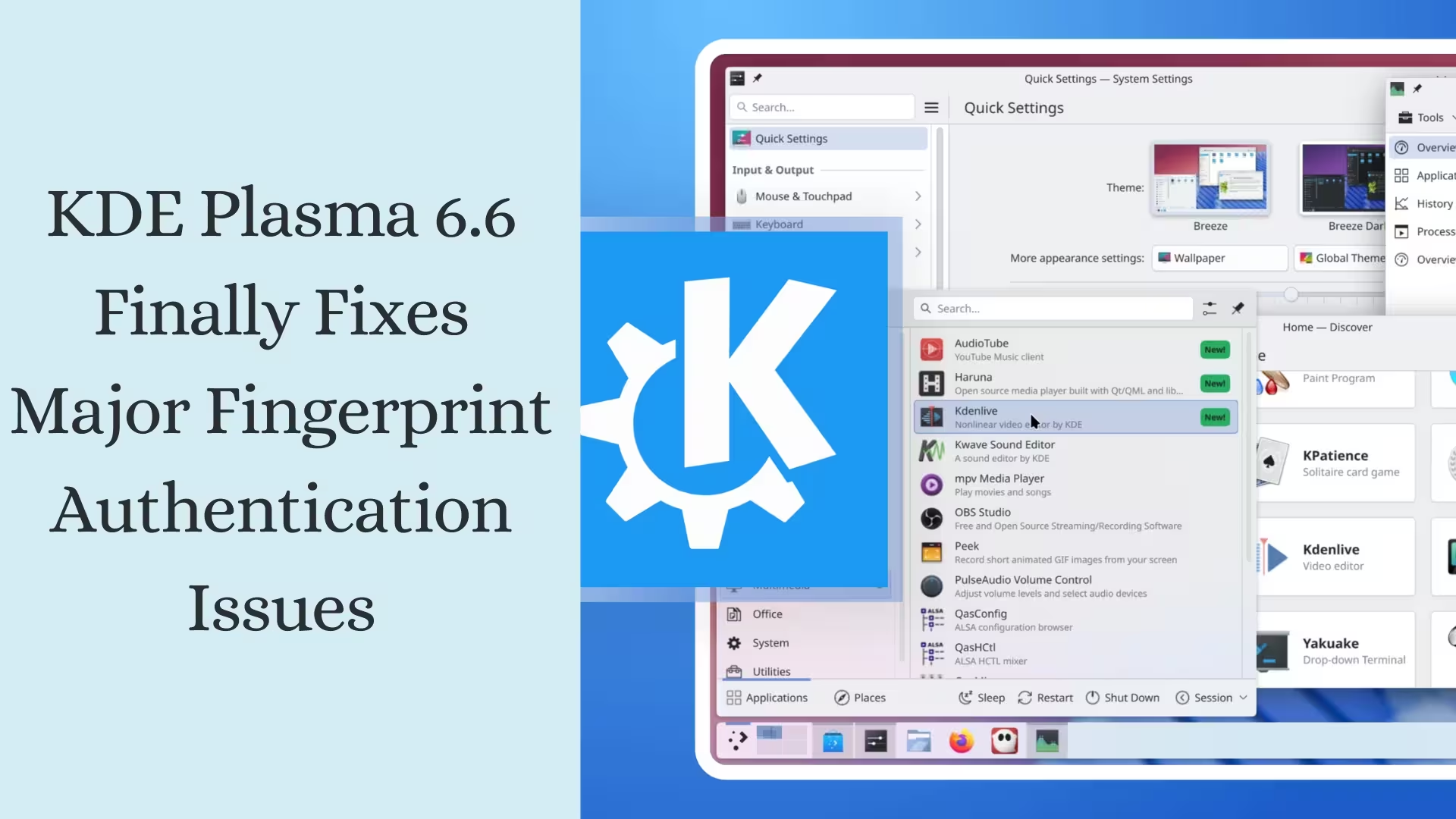
ByKDE Plasma 6.6 is now very close to release, and we’re seeing the development team focusing on final polish, usability improvements, and squashing long-standing bugs before the stable version. The most talked-about update in this release concerns fingerprint authentication, which has frustrated many users during their daily work. The new update includes a decisive solution to these problems, making the lock screen experience much more reliable and seamless.
In this article, we’ll detail the key features of Plasma 6.6, the bugs that have been fixed, interface improvements, and a glimpse into future versions.
Fingerprint Unlock Now Always Active and Reliable
A serious problem existed in previous releases: when the system auto-locked, the prompt to scan the fingerprint would often disappear. As a result, users would place their finger on the reader, but nothing would happen. Plasma 6.6 has now completely fixed this error.
Our tests showed that the lock screen now consistently displays instructions like “Place your finger on the reader,” and the prompt remains active even after auto-lock. This makes the login process faster, clearer, and less confusing.
Unresponsive Lock Screen Issue Resolved
Another major problem involved the “Unlock” button appearing, but clicking it would do nothing. The screen would essentially freeze. This issue particularly affected users who used both fingerprint and password authentication methods.
The KDE team has eliminated this bug by improving input handling and the authentication flow. The button now responds instantly, and the authentication process proceeds smoothly.
Also read: How to Fix the Instagram Black Screen Problem? (15 Safe and Effective Methods) – 2026
Gesture Settings Disappear When No Touchscreen is Present
Plasma 6.6 includes a smart usability improvement. If your system doesn’t have a touchscreen connected, the Touchscreen Gestures page will automatically be hidden from the settings. This makes the interface cleaner, more relevant, and less confusing.
We consider this a significant step forward in terms of user experience, as removing unnecessary options speeds up navigation.
Crashes caused by Global Themes are now a thing of the past.
Some users reported that Plasma would suddenly crash if a Global Theme included faulty or incorrect layout scripts. This was a major obstacle, especially for those trying out new themes.
The new version features improved script validation and error handling, ensuring system stability and preventing unexpected desktop shutdowns.
Improved Panel Tooltip Behavior in Wayland Sessions
For Wayland users, panel tooltips sometimes incorrectly assumed window placement policies, resulting in unusual positioning. In Plasma 6.6, tooltip positioning is now more accurate and predictable.
User-Created Shortcuts Now Appear in the Correct Category
Previously, custom global shortcuts would sometimes become locked like system services, making them difficult to edit. They are now correctly placed in the Applications category, making modification and management easier.
Recent Files in the Kickoff Launcher Now Have the Correct Icons
A common complaint was that the Kickoff application launcher displayed incorrect or duplicate sections for recent items. After the update:
File type icons are displayed correctly
The strange duplicate “files” section has been removed
Navigation is more organized
Accurate Resolution with Fractional Scaling in Spectacle
The Spectacle screenshot tool now displays the correct resolution in the tooltip when making a rectangular selection, especially when fractional scaling is enabled. This improvement is particularly useful for professional users who require precise measurements.
Also read: How to Turn Off Windows Efficiency Mode in 2026?
Improved ‘Open With’ Dialog Filtering in Flatpak
The Open With window, when opening files from Flatpak applications, previously didn’t filter correctly. Now it displays only the relevant applications based on the context, making selection faster and more accurate.
Keyboard Focus Stuck in Search Widget Resolved
Previously, when search results appeared, the keyboard focus would sometimes get stuck in the same widget. Now users can navigate to other parts of the interface without any issues.
Plasma 6.7 Sneak Peek: Productivity Elevated
The upcoming Plasma 6.7 will feature several exciting changes.
Sorting and Section Headers in the Window List Widget
Windows will be easier to organize based on virtual desktop or activity.
Also read: 15 Best Radio Apps for Android 2026 (Live FM, News and Music)
Per-Screen Tiling Padding Will Be Remembered
In multi-monitor setups, each screen will retain its own layout preferences.
Wallpaper Dialog Opens to Last Used Location
Reduces the need for repeated browsing.
Improved Preview Scaling with Larger Cursor Sizes
Provides a clearer view for accessibility users.
Significant Color Accuracy Improvement in Plasma 6.5.6
The Plasma 6.5.6 update, coming next month, will fix an issue related to sRGB ICC profile parsing, resulting in more accurate color representation. Additionally, the “Keep display configuration?” dialog has been modified to prevent accidental closure.
Conclusion: A Strong Blend of Stability, Security, and Usability
KDE Plasma 6.6 is a significant step towards a more reliable desktop experience. The improvements to fingerprint login, in particular, make it extremely trustworthy for daily use. The cleaner interface, accurate tooltips, improved shortcut management, and enhanced application behavior solidify its position as a mature release.
We believe this update will bring much-needed stability to KDE users and further strengthen the modern Linux desktop.
Are you searching for the best hosting plan? Click now and get 20% off