 By
ByIn today’s digital age, torrent websites are widely used to download movies, software, games, and other large files. However, this also comes with a high risk of viruses, malware, spyware, and ransomware. Here, we will explain in detail how to avoid viruses when downloading files from torrents, so that your system remains secure and there is no risk of data loss.
Main Reasons for Viruses from Torrents
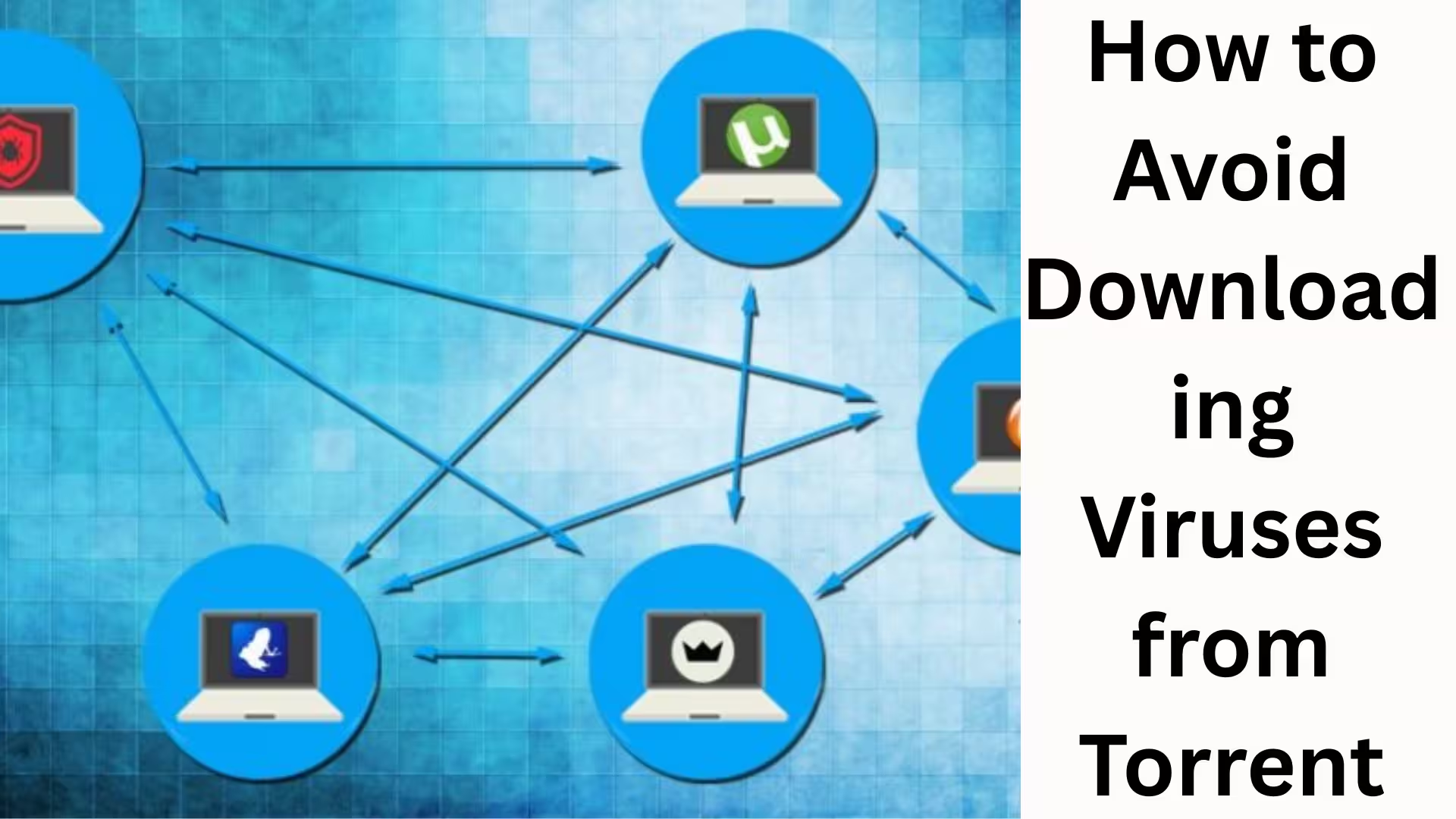
Torrents operate on a peer-to-peer (P2P) network, where no central authority verifies the files. This is why:
Fake files are uploaded with genuine names
Cracked software contains hidden malware
ZIP or EXE files contain Trojans
Viruses are distributed under the name of fake video files
Therefore, caution is extremely important.
Always Use Trusted Torrent Websites
Not every torrent website is safe. We should only choose websites that have been active for a long time and have a strong community.
Rules for choosing a safe torrent website:
The website should be on HTTPS
User comments and rating system should be available
The uploader’s profile should be verified
There should be no unnecessary pop-ups and redirects
It is wise to stay away from unknown or new websites.
Always Check the Seeder and Leecher Ratio
Before downloading a torrent file, it is very important to check the number of Seeders and Leechers.
More Seeders = More reliable file
Very few Seeders = Suspicious file
Always choose a torrent with more Seeders and fewer Leechers, as such files have been used by more people.
Do Not Ignore User Comments and Reviews
Reading the user comments section before downloading a torrent is the easiest and most effective method.
If the comments say:
“Virus detected”
“Fake file”
“Password asking malware.”
Then you should immediately abandon that file. Real user feedback warns us of the danger beforehand. Exercise Special Caution with EXE and BAT Files
If you are downloading movies or music and the file extension is .exe, .bat, or .scr, this is a clear sign of danger.
Safe File Formats:
Video: .mp4, .mkv, .avi
Audio: .mp3, .flac
Documents: .pdf, .epub
Always carefully check the file extension.
Keep Your Antivirus Software Updated
An updated antivirus is the biggest security shield for torrent users.
Our Recommendation:
Keep Real-Time Protection On
Scan Files After Downloading
Enable Automatic Updates
Windows Defender provides a good level of protection, but a premium antivirus offers additional security.
How to Scan Files Before Downloading
Before opening a downloaded file:
Right-click on it
Select “Scan with Antivirus”
Do not ignore any warnings
This small step can save your system from significant damage.
Stay Away from Cracked and Modified Software
Most cracked software and modified APKs contain hidden malware. These files can:
Install keyloggers
Steal banking data
Slow down your system
Using official and licensed software is always the safest option.
Configure Your Torrent Client Correctly
Always use reliable torrent clients such as:
qBittorrent
Deluge
Transmission
Security Settings:
Disable automatic downloads
Block suspicious file types
Avoid clients with advertisements
An incorrect torrent client can also be a source of viruses.
How to Avoid Viruses Hidden in ZIP and RAR Files
Sometimes viruses are hidden inside ZIP or RAR files.
Always remember:
Password-protected ZIP files can be suspicious
Do not trust passwords provided in unknown text files
Always scan before extracting
EXE files inside ZIP archives are the biggest threat. Use a VPN for security, not blind faith
A VPN hides your identity, but it doesn’t protect against viruses. Therefore:
A combination of VPN + Antivirus is essential
Avoid free VPNs
Choose a VPN with a no-logs policy
A VPN is only for privacy, not security.
How to identify fake media files
Fake torrent files often:
Are very small in size
Have words like “HD”, “1080p” in the name
Show unusual file sizes
Always compare the file size to the expected size of the movie.
Monitor system behavior after downloading
If after downloading a torrent:
The system slows down
Unknown pop-ups appear
The browser opens automatically
Then immediately perform a full system scan and delete the suspicious file.
Conclusion
Downloading from torrents isn’t entirely wrong, but carelessness can be dangerous. If we choose the right website, carefully examine the files, use antivirus software, and stay away from suspicious files, the risk of getting a virus from torrents can be almost eliminated. Prudence, vigilance, and the use of the right tools are the key to digital security.
Want to grow your website organically? Contact us now
Frequently Asked Questions (FAQ)
1. Is downloading from torrents safe?
Downloading from torrents can be relatively safe if you use a trustworthy torrent website, the correct file, and updated antivirus software. However, downloading without proper precautions is risky.
2. Which viruses are most commonly spread through torrents?
Torrents are most commonly associated with Trojans, malware, spyware, adware, and ransomware, especially through cracked software and EXE files.
3. How to identify a virus when downloading a movie?
If the movie file size is very small, the extension is .exe or .bat, or user comments mention viruses, you should immediately avoid downloading that file.
4. Does using a VPN protect against viruses?
No, a VPN does not protect against viruses. A VPN only hides your identity and location. Antivirus software is necessary for virus protection.
5. Which torrent client is considered the safest?
Torrent clients like qBittorrent, Deluge, and Transmission are considered safe because they don’t contain adware and have better security controls.
6. Are ZIP or RAR files safe?
Viruses can also be hidden in ZIP or RAR files. It’s crucial to scan them before extracting and to check the file types inside.
7. Is a free antivirus sufficient for torrents?
Free antivirus software provides basic protection, but paid antivirus software is better for real-time protection and advanced threat detection.
8. What is the biggest risk of downloading cracked software?
Cracked software often contains keyloggers and data-stealing malware that can steal passwords, banking details, and personal information.
9. What are the most important things to check before downloading a torrent file?
You should always check the number of seeders, user reviews, the uploader’s reputation, and the file extension.
10. What to do if you accidentally download a virus?
Immediately disconnect from the internet, run a full system scan, delete any suspicious files, and if necessary, use system restore or reset.