
 By
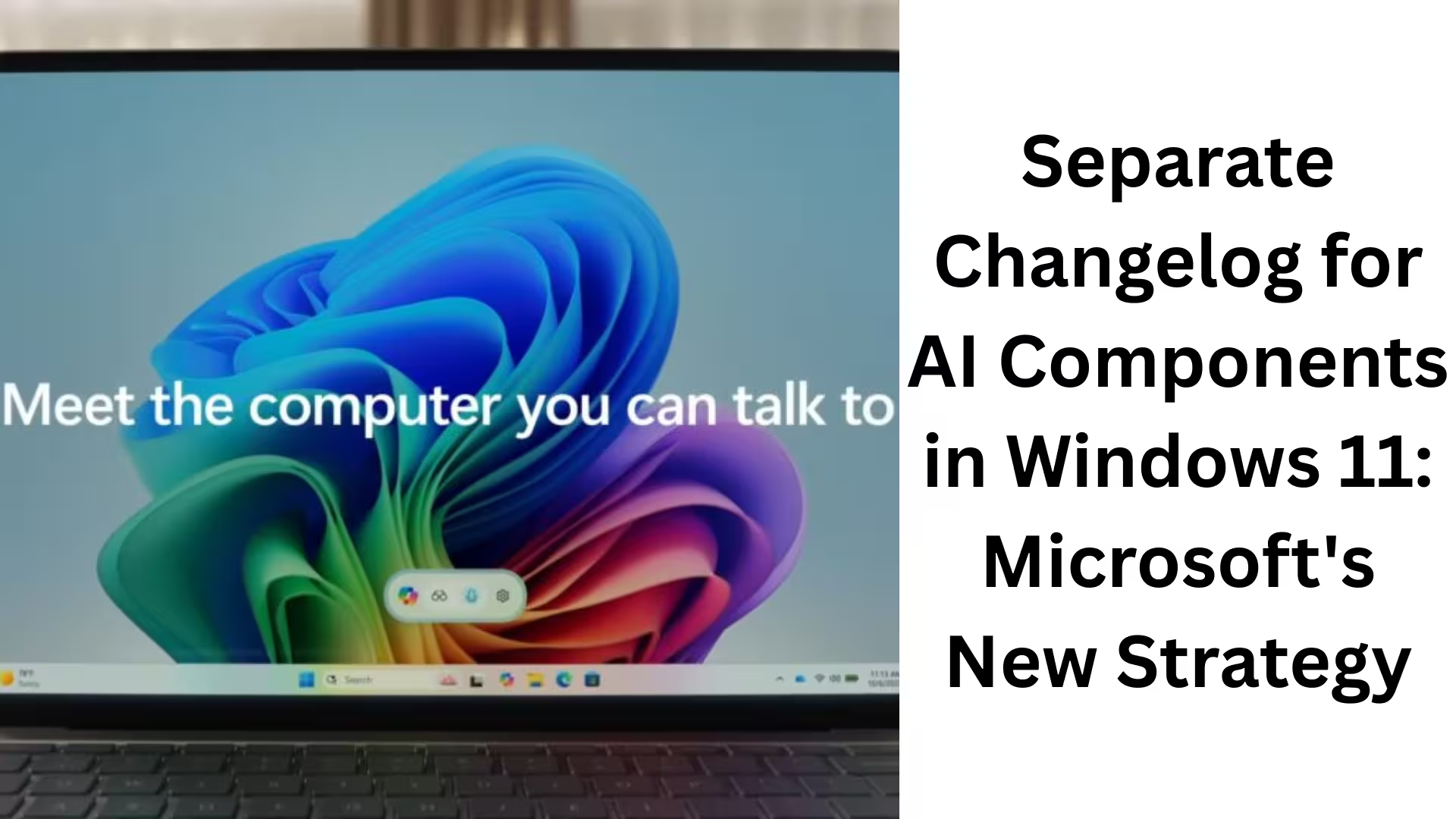
ByWindows 11 is no longer just an operating system; it has become an AI-driven platform. Microsoft has made it clear that the future belongs to on-device AI models by planning to release separate release histories (changelogs) for the AI components in Windows 11. Here, we will explain in detail what Windows 11’s AI components are, how they are updated, their impact on Copilot+ PCs, and why this change is important for users in the future.
What are Windows 11 AI Components?
Windows 11 AI components are special system-level modules that enable the ability to run AI models on the local device. These components do not rely on the cloud but directly utilize your PC’s NPU (Neural Processing Unit), CPU, and GPU.
Their main objectives are:
Faster AI processing
Improved privacy
Reduced internet dependency
Real-time AI features
Microsoft has clarified that AI models in Windows 11 will now be updated in the same way as other Windows system components.
Why was a separate Changelog for AI Components necessary?
Until now, most changes in Windows Update appeared as OS-level updates. However, in the case of AI components:
Updates were installed silently in the background
Users were unaware of which AI model had been updated
Version numbers were rarely noticed
To address this problem, Microsoft has released a new support document:
“Release information for AI components.”
This document will now be maintained alongside major Windows 11 updates such as 25H2 and 24H2.
The Direct Connection between Copilot+ PCs and AI Models
If you have a Copilot+ PC, your system is regularly receiving new AI models. These models enhance features such as:
AI Image Editing in Paint
AI Text Features in Notepad
Semantic Search in Windows Recall
Image Search and Content Extraction Note: For AI Components to function correctly, your PC needs at least a 40+ TOPs NPU.
How are AI Components installed in Windows 11?
1. Via Windows Update
AI Components are mostly:
Automatically installed
Updated in the background on a supported PC
This is why the size of Windows 11 Patch Tuesday Updates is now:
Previously: 700–800 MB
Now: 4–5 GB
2. Microsoft Update Catalog (.msu)
For users who download updates manually:
The .msu files in the Microsoft Update Catalog already include AI models
No need to install AI models separately
How to manage AI Components in Settings?
If your PC is new and AI-capable:
You can see AI Components in Settings > System > AI Components.
On older PCs, this section:
Appears empty
Microsoft says:
> All new PCs are “AI PCs.”
Complete List of Windows 11 AI Components
Microsoft’s new changelog document includes several important AI Components:
Settings Model
Image Search
Semantic Analysis
Content Extraction
Execution Provider
Image Transform
Image Processing
Phi Silica (with separate KB entries)
Each component will have its own version number and update history.
Analysis of Recent AI Component Updates
December 9 Update
Version: 1.2511.1224.0
Several AI Components were updated simultaneously
Coincides with the Windows 11 December Patch Tuesday
December 1, 2025 Update
Version: 1.2511.1196.0
Multiple Execution Provider Versions
Part of the November 2025 Optional Updates
These updates:
Do not provide a detailed change breakdown
But improvements in AI performance and stability are possible
Impact of AI Updates on Windows Apps
Although Microsoft hasn’t provided full details of the changes, features such as:
AI-Based Editing Tools in Paint
Smart Text Handling in Notepad
Improved Search Accuracy in Windows Recall
may be enhanced by these updates. We believe that Microsoft will gradually:
Update AI models more frequently
Transform Windows into an AI-First OS
Microsoft’s Future AI Strategy
A separate changelog for AI components indicates that:
AI updates will now be tracked separately from OS updates
Transparency will increase for enterprise and advanced users
Debugging and compatibility will be easier
This is the same model that Microsoft has already adopted for products like:
Office
Outlook
The Future of Windows 11 AI Components
According to our analysis:
Monthly or bi-weekly updates for AI components are possible in the future
Microsoft may release standalone release notes for AI models
Developers will have better control over AI APIs and execution providers
This change will transform Windows 11 from just an OS into an AI ecosystem.
Conclusion
The introduction of a separate changelog for AI components in Windows 11 is a game-changing move. This will:
Provide users with greater transparency
Unleash the true power of Copilot+ PCs
Make the future of Windows updates entirely AI-driven
We believe this step will put Microsoft at the forefront of the Windows AI race.
Are you searching for the best hosting plan? Click now and get 20% off
Frequently Asked Questions (FAQ)
Question 1: What are AI Components in Windows 11?
Answer: Windows 11 AI Components are system-level modules that help run AI models on the local device. These components utilize the NPU, CPU, and GPU to make AI features faster, more secure, and available offline.
Question 2: Why did Microsoft create a separate changelog for AI Components?
Answer: Microsoft created a separate changelog so that users and IT professionals can clearly see which AI models were updated, what changes were made, and how the updates were installed.
Question 3: What is a Copilot+ PC?
Answer: Copilot+ PCs are new Windows PCs with an NPU capability of 40+ TOPs. These PCs are designed to run on-device AI models and fully support all Windows 11 AI features.
Question 4: Do AI Components update automatically?
Answer: Yes, on supported PCs, AI Components are mostly updated automatically through Windows Update. Users do not need to do anything manually.
Question 5: Why are Windows 11 updates so large now?
Answer: Windows 11 updates now include AI Models and AI Components. This is why Patch Tuesday updates have increased in size to 4–5GB, compared to less than 800MB previously.
Question 6: Where can I see AI Components in Settings?
Answer: If your PC is AI-supported, you can find them under
Settings > System > AI Components.
This section will appear empty on older PCs.
Question 7: Which AI Components are included in Windows 11?
Answer: The main AI Components in Windows 11 include:
Settings Model
Image Search
Semantic Analysis
Content Extraction
Execution Provider
Image Transform
Image Processing
Phi Silica
Question 8: Do AI Component updates affect Windows Apps?
Answer: Yes, these updates can improve the AI features in apps like Paint, Notepad, and Windows Recall, although Microsoft is not yet publicly disclosing the detailed changes.
Question 9: Will older PCs also receive AI components?
Answer: No, AI components only work on PCs with AI-capable hardware. This feature is not available on older PCs.
Question 10: What is the future of Windows 11 AI components?
Answer: In the future, Microsoft is planning to bring more regular updates, improved changelogs, and deeper integration of AI features for AI components, aiming to make Windows 11 a truly AI-first operating system.
Also read:
Snapdragon X2 PCs to Launch with Windows 11 26H1 by April 2026; Older PCs to Receive Windows 11 26H2
How to Keep WhatsApp Always Online: 7 Effective Methods (2026 Guide)
Samsung Galaxy S26 Ultra Receives New Launch Date Update – Get All the Details
Images Not Downloading from Google Chrome on Android?
7 Best and Effective Ways to Block Spam Calls on iPhone (2026 Guide)
Microsoft’s Windows 11 SE: An OS that challenged ChromeOS, now set to become history in 10 months
Microsoft will now let you share app windows directly with Copilot from the Windows 11 taskbar
Another new model of AirPods Pro 3 is coming: The next big upgrade with an IR camera
How to Remove api.cactus-search.com (All Methods) – Complete Information
How to Normalize Volume in Windows 11 – Complete Step-by-Step Guide
How to Launch Multiple Apps Simultaneously in Windows – A Complete and Effective Guide
Are you searching for the best hosting plan? Click now and get 20% off









Interesting shift from Microsoft! I think having a separate changelog for AI will make it easier for users to track improvements and bug fixes for these components. It’ll be especially useful for those using Copilot+ PCs to understand the impact of these updates on performance and features.
[…] Separate Changelog for AI Components in Windows 11: Microsoft’s New Strategy […]
[…] Separate Changelog for AI Components in Windows 11: Microsoft’s New Strategy […]