 By
ByToday, Windows 11 is Microsoft’s latest and most modern operating system, while Microsoft Office 2013 is an older but still widely used office suite. The biggest question, therefore, is whether Office 2013 works correctly on Windows 11.
Here, we are providing detailed answers to every question related to this topic, so you don’t need to look for information elsewhere.
Official Support Status of Windows 11 and Office 2013
According to official Microsoft information, Office 2013’s Mainstream Support has already ended, and its Extended Support has also been discontinued. This directly means that:
No new security updates are available for Office 2013
Its official compatibility with Windows 11 has not been declared
However, the end of official support does not mean that the software will not work at all.
Does Office 2013 actually run on Windows 11?
Based on practical experience and technical tests, we can clearly say that:
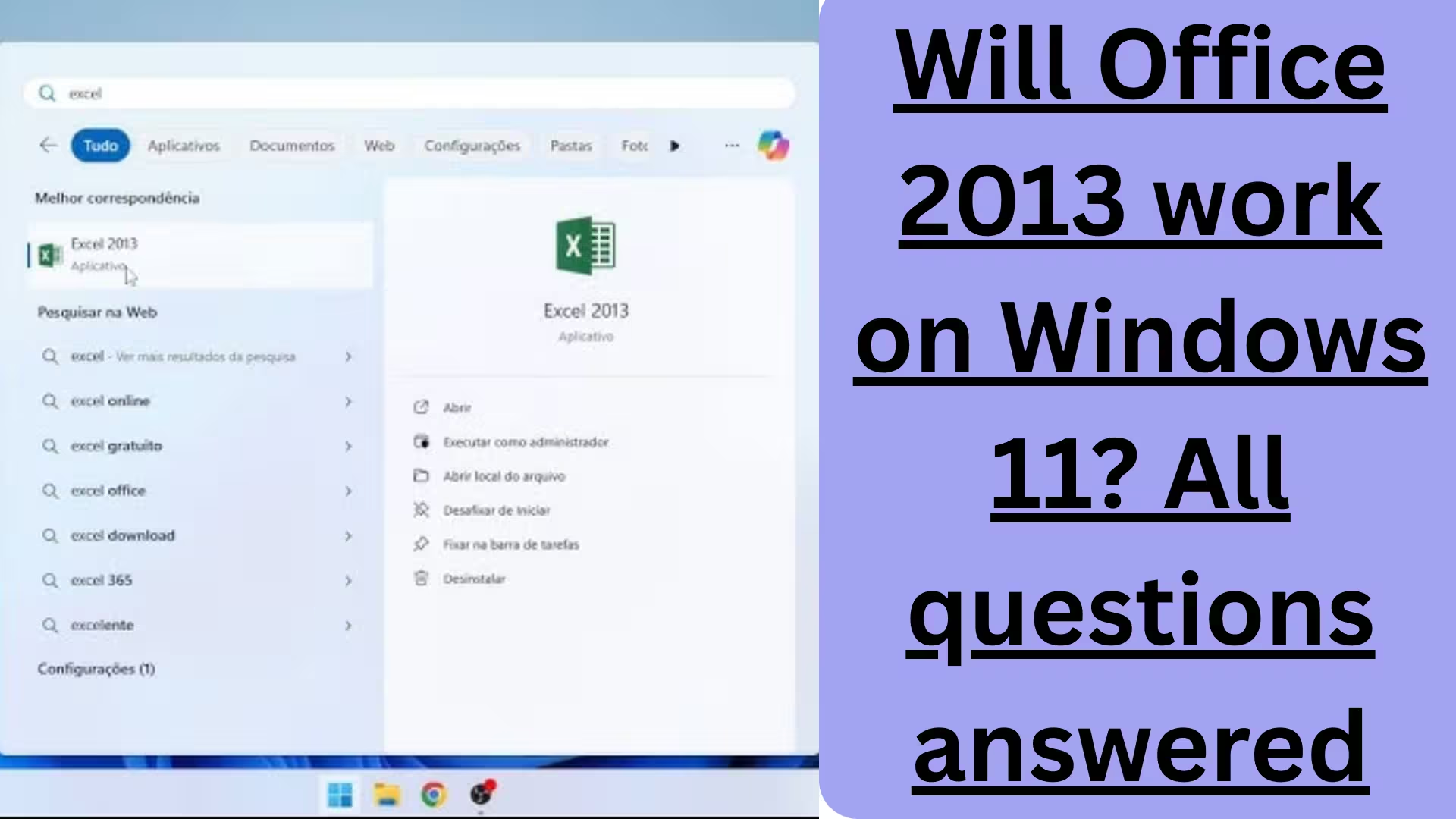
Yes, Office 2013 installs on Windows 11
The main applications, like Word, Excel, PowerPoint, and Outlook, open normally
Most basic features work without any major problems
However, some important limitations and risks are crucial to understand.
Limitations of running Office 2013 on Windows 11
1. Security Risks
Because Office 2013 no longer receives security patches, therefore:
It is more vulnerable to malware and virus attacks
The risk increases when opening email attachments and macro files
2. Problems with future Windows updates
Windows 11 is constantly updated. In the future:
Office 2013 may crash after a major update
Some features may suddenly stop working
3. Lack of modern features
In Office 2013:
AI-based features are not available
Cloud integration is limited
Modern features like those in Microsoft 365 are not available
The correct way to install Office 2013 on Windows 11
If you still want to use Office 2013, it’s essential to follow the correct procedure:
Step-by-step installation suggestions
Right-click on the installer → Run as administrator
Selecting Windows 8 or Windows 7 in Compatibility Mode may be helpful
After installation, open and check all applications once
Following this method reduces the likelihood of errors.
Also read: How to Manually Install a Missing Network Driver During Windows 11 OOBE?
Office 2013 and Outlook status on Windows 11
Many users’ main question concerns Outlook. On Windows 11:
Outlook 2013 can send and receive emails
However, there may be occasional problems with Modern Authentication
There may be sync issues with newer versions of Microsoft Exchange
This issue is particularly important for corporate users.
Should we continue using Office 2013? From a technical and security perspective, we clearly state that:
Office 2013 is not suitable for long-term use
It can be used for a limited time for personal use
Its use in business and professional environments is risky
Better and safer alternatives to Office 2013:
1. Microsoft Office 2019 / 2021
Fully compatible with Windows 11
Better performance and security
2. Microsoft 365
Regular updates
Cloud backup and AI features
The best option for Windows 11
3. Free alternatives
LibreOffice
Google Docs (web-based)
Performance comparison:
If we compare them:
Office 2013 is lightweight and uses fewer resources
But it lags in stability and security
Newer Office versions integrate much better with Windows 11 hardware
Things to consider before using Office 2013 on Windows 11:
Always use up-to-date antivirus software
Avoid unknown files and macros
Regularly back up important data
Conclusion: The real truth about Office 2013 and Windows 11
In conclusion, we clarify that:
Office 2013 does run on Windows 11, but it is not a secure option
It can be used as a temporary solution
Upgrading is the wisest step to avoid future problems
While using older software on a modern system like Windows 11 is technically possible, it is not considered a sound decision in the long run.
Are you searching for the best hosting plan? Click now and get 20% off
FAQ – Frequently Asked Questions about Office 2013 on Windows 11
Question 1: Does Microsoft Office 2013 work correctly on Windows 11?
Yes, Office 2013 can be installed and run on Windows 11, but it is not officially supported. Basic functions like Word, Excel, and PowerPoint work, but problems may arise in the future.
Question 2: Is Office 2013 safe for Windows 11?
No. Office 2013 no longer receives security updates, making it more vulnerable to malware and cyberattacks.
Question 3: When did support for Office 2013 end?
Microsoft has already ended Extended Support for Office 2013, meaning no technical or security support is available anymore.
Question 4: Does Outlook 2013 work for email on Windows 11?
Outlook 2013 is able to send and receive emails, but there may be occasional sync issues with Modern Authentication and Exchange Server.
Question 5: What should I do if I encounter errors while installing Office 2013?
Run the installer as Administrator
Use Compatibility Mode (Windows 7/8)
Install after Windows Update is complete
Question 6: Could Office 2013 stop working after future Windows 11 updates?
Yes, it’s possible. Major Windows 11 updates could cause Office 2013 to crash or fail to open.
Question 7: What are better alternatives to Office 2013 for Windows 11?
Microsoft Office 2019 or 2021
Microsoft 365 (the most secure and up-to-date)
Free alternatives: LibreOffice, Google Docs
Question 8: Is Office 2013 good for systems with low RAM?
Yes, Office 2013 is lightweight and uses fewer resources, but it is weaker in terms of security and stability.
Question 9: Is Office 2013 suitable for business use?
No. Office 2013 is not recommended for corporate and professional use because it poses security risks.
Question 10: Should Office 2013 be used on Windows 11?
Only as a temporary solution. For long-term use, we recommend upgrading to a newer Office version.