 By
ByThe End of Windows 11 SE: The Farewell of an Ambitious Experiment
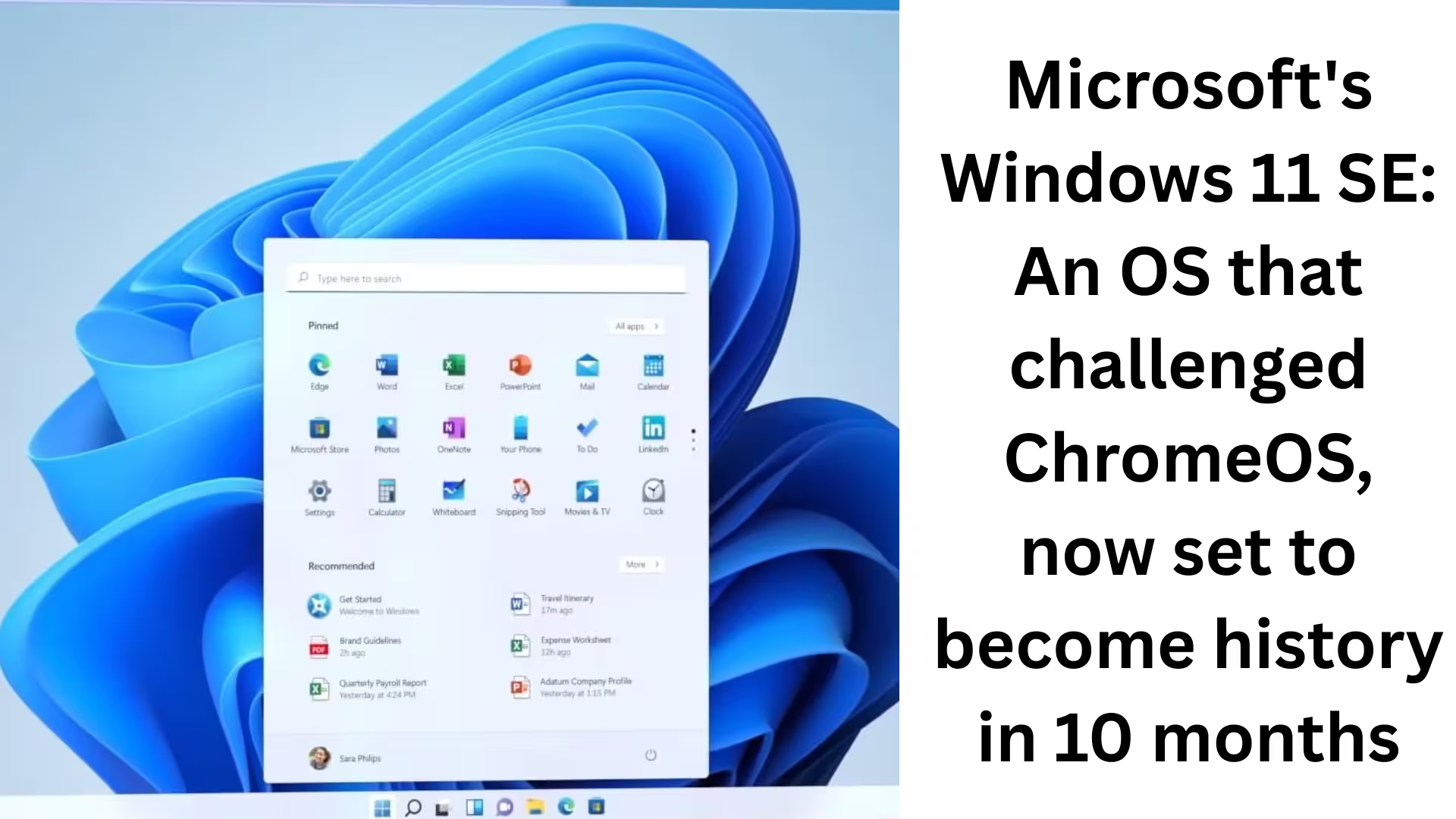
We are witnessing the end of Microsoft’s Windows 11 SE, once considered the biggest alternative to ChromeOS, which has now officially reached its final stage. This operating system will be completely sunsetted by October 2026. This means that after that date, neither security updates, feature updates, nor technical support will be available.
This decision is significant not only for the education sector but also for all institutions and users who have adopted Windows 11 SE-based devices.
The Launch of Windows 11 SE: A Strategy Focused on Education
Microsoft launched Windows 11 SE with great enthusiasm in 2021. Its main objective was to provide an operating system for K-8 classrooms in the United States that was:
Simple
Secure
High-performing on low-cost devices
Microsoft’s strategy was directly aimed at challenging Google ChromeOS, which had already established a strong foothold in the education sector.
Windows 11 SE vs. Windows 11: Key Differences
1. Web-First Operating System
Windows 11 SE was designed as a Web-First OS. This meant that its maximum utilization was intended to be with web-based applications and cloud services.
2. Limited App Support
In this version:
Only apps approved by IT administrators could be installed
Win32 (.exe) apps could only run if the school administration allowed it
Unauthorized apps could not be installed or run
3. Distraction-Free Experience
Microsoft claimed that Windows 11 SE provided a distraction-free environment for students, allowing them to focus entirely on their studies.
Successor to Windows 10 S Mode
We also know that Windows 11 SE was the successor to Windows 10 in S Mode. Almost a decade ago, Microsoft attempted to offer a lighter and more limited Windows experience through S Mode.
However, even then, this experiment couldn’t compete with ChromeOS.
Surface Laptop SE: Affordable but Limited
Microsoft also launched the Surface Laptop SE with Windows 11 SE, priced at just $249.
But there was a major catch:
This device was only available to verified K-8 schools.
General consumers could not purchase it.
Dell, HP, and other OEM partners also created affordable laptops based on Windows 11 SE.
Microsoft’s Confidence in 2022
In 2022, Microsoft clearly stated in its blog “A New Era for PC”:
> “With Windows 11 SE, schools get a simple and secure environment for K-8 students.”
At that time, it was clear that Microsoft planned to maintain this platform for the long term.
2026: The End of the Dream
Now, in 2026, the picture has completely changed. According to Microsoft’s official support documents:
Final version for Windows 11 SE: 24H2
No new feature updates will be released after this.
Full support ends in October 2026.
This decision clearly shows that Microsoft no longer wants to continue working on a separate Windows version for the education sector.
Windows 11 SE End of Life: Official Confirmation
Microsoft has stated unequivocally:
> “Software updates, security fixes, and technical support for Windows 11 SE will end in October 2026.”
Although the device will continue to function, without updates, it will become vulnerable to cyber threats.
What does this mean for schools and students?
We can see some key implications here:
Schools will have to migrate to new hardware or an OS.
They will have to upgrade to Windows 11 Home or Pro.
Or they will have to adopt alternatives like ChromeOS.
This change will directly impact IT budgets, training, and infrastructure.
Was Windows 11 SE a failure? We can’t call it a complete failure, but it’s clear that:
The ecosystem was weaker compared to ChromeOS
Limited app support reduced its usability
Microsoft’s focus gradually shifted back to the main Windows editions
Microsoft’s Strategy Shift
Microsoft’s focus is now primarily on:
Windows 11 Home
Windows 11 Pro
AI-based features
Copilot and cloud integration
The strategy of maintaining a separate OS for education is no longer a priority.
What options are available in the future?
We believe that in the future, schools and institutions will consider these options:
Windows 11 Pro Education
ChromeOS
Cloud-Based Learning Platforms
Conclusion: The End of an Era
Windows 11 SE was an ambitious attempt to re-establish Windows in the education sector. However, due to limited flexibility, lack of adaptability, and rapidly changing technological needs, this experiment did not last long.
It is now clear that after October 2026, Windows 11 SE will simply become a part of history.
Also read:
Microsoft will now let you share app windows directly with Copilot from the Windows 11 taskbar
Another new model of AirPods Pro 3 is coming: The next big upgrade with an IR camera
How to Remove api.cactus-search.com (All Methods) – Complete Information
How to Normalize Volume in Windows 11 – Complete Step-by-Step Guide
How to Launch Multiple Apps Simultaneously in Windows – A Complete and Effective Guide
FAQ – Frequently Asked Questions about Windows 11 SE
Question 1: What is Windows 11 SE?
Windows 11 SE was a special operating system created by Microsoft, specifically designed for K-8 (school) education. Its focus was on security, simplicity, and providing better performance on low-cost devices.
Question 2: Why is Windows 11 SE being discontinued?
Microsoft has decided, as part of a strategic shift, that it will no longer continue a separate Windows version for education. Windows 11 SE is being sunsetted due to limited app support and strong competition from ChromeOS.
Question 3: When will support for Windows 11 SE end?
According to Microsoft, full support for Windows 11 SE will end in October 2026. After this date, no security updates, feature updates, or technical support will be available.
Question 4: What is the last version of Windows 11 SE?
The last supported version of Windows 11 SE is 24H2. No further updates will be released for this edition.
Question 5: Will Windows 11 SE devices still work after support ends?
Yes, the devices will continue to work, but without security updates, they may become vulnerable. Therefore, Microsoft recommends upgrading to another Windows 11 edition.
Question 6: Could all Windows apps run on Windows 11 SE?
No. Only apps approved by the IT administrator could run on Windows 11 SE. Win32 (.exe) apps would only run if permitted by the school administration.
Question 7: Who was Windows 11 SE designed for?
This operating system was specifically designed for K-8 schools and students in the United States to provide a distraction-free and secure learning environment.
Question 8: What was the Surface Laptop SE?
The Surface Laptop SE was an affordable laptop from Microsoft, priced at approximately $249. This device was only available to verified K-8 schools, not to general consumers.
Question 9: What are the best alternatives to Windows 11 SE?
Following the discontinuation of Windows 11 SE, schools and institutions can consider these alternatives:
Windows 11 Pro Education
Windows 11 Home or Pro
ChromeOS-based devices
Question 10: Was Windows 11 SE considered an alternative to ChromeOS?
Yes, Windows 11 SE was directly positioned as a competitor to ChromeOS, but due to limited flexibility and app support, it did not achieve the same level of popularity as ChromeOS.
Question 11: Were Windows 10 S Mode and Windows 11 SE the same?
Windows 11 SE is considered the successor to Windows 10 S Mode. Both aimed to provide a lightweight, secure, and limited Windows experience, especially for the education sector.
Question 12: What should schools do now?
We believe schools should soon:
Develop an upgrade plan for their existing devices
Consider migrating to a supported Windows 11 edition or ChromeOS
Prioritize future security and stability
Are you searching for the best hosting plan? Click now and get 20% off